
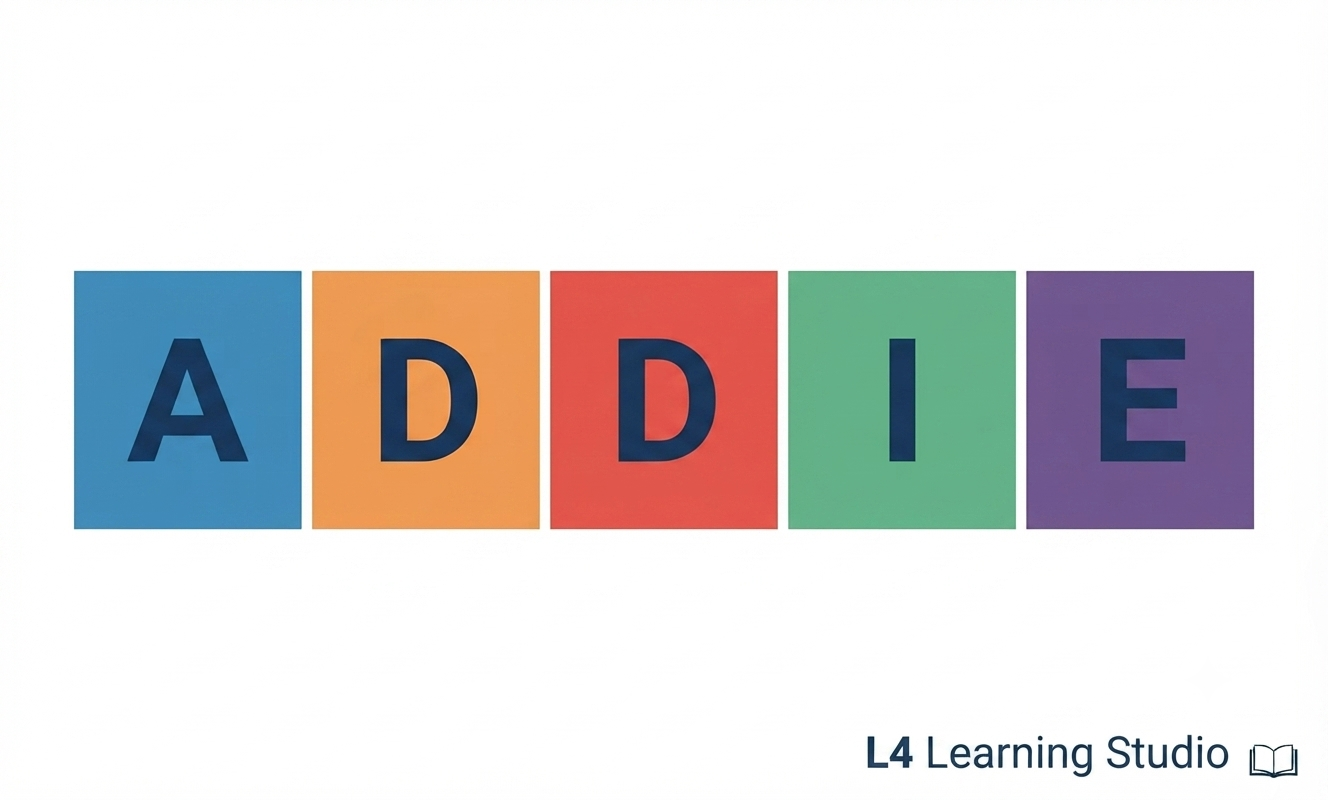
The ADDIE model is one of the most trusted frameworks in instructional design. Whether
you’re building a face-to-face workshop, an online course, or a microlearning module, ADDIE
gives you a clear, repeatable process to design learning experiences that are effective,
engaging, and aligned with real learner needs.
At L4 Learning Studio, we use ADDIE because it blends structure with creativity. It keeps
projects organised while giving designers the freedom to innovate, adapt, and personalise
learning.
This article breaks down what ADDIE is, how to use it stepbystep, and how modern
instructional designers can enhance each stage with AI tools.
What ADDIE Stands For?
ADDIE is an acronym for the five phases of the instructional design process:
A – Analyse
D – Design
D – Develop
I – Implement
E – Evaluate
Each phase builds on the previous one, creating a logical flow from understanding the problem to delivering and improving the solution.
1. Analyse: Understanding the Learning Problem
The Analyse phase is the foundation of the entire project. Here, you identify:
- Who the learners are
- What they need to know or do
- The performance gap
- The constraints (time, budget, technology, accessibility)
- The success criteria
Key Activities
- Conduct learner interviews or surveys
- Review existing materials
- Identify knowledge, skill, or attitude gaps
- Define measurable learning objectives
Why It Matters
Skipping analysis is one of the biggest mistakes in instructional design. Without it, you risk building content that is beautiful but irrelevant or worse, ineffective.
2. Design: Planning the Learning Experience
In the Design phase, you transform insights from the analysis into a structured learning plan.
Key Activities
- Write learning objectives
- Map learning journeys or modules
- Choose instructional strategies (scenariobased, video, microlearning, blended, etc.)
- Draft storyboards or scripts
- Plan assessments and interactions
Outputs
- Storyboard
- Scripts
- Design documents
- Visual style guides
Why It Matters
Design is where creativity meets strategy. It ensures the learning experience is intentional, accessible, and aligned with cognitive principles.
3. Develop: Building the Learning Materials
This is the production phase, where ideas become real.
Key Activities
- Build slides, videos, animations, and graphics
- Record voiceovers
- Develop eLearning modules in tools like Articulate, Rise, or Captivate
- Create job aids, worksheets, or facilitator guides
- Conduct internal reviews and quality assurance
Why It Matters
Development is where quality becomes visible. Strong development ensures your learning solution is polished, accessible, and ready for learners.
4. Implement: Delivering the Learning
Implementation is the moment your solution meets the learners.
Key Activities
Upload modules to the LMS
Train facilitators
Prepare learners with instructions or onboarding
Launch the course
Provide support during rollout
Why It Matters
Even the best-designed course can fail if implementation is rushed. Clear communication, technical readiness, and learner support are essential.
5. Evaluate: Measuring Impact & Improving the Solution
Evaluation ensures your learning solution works.
Key Activities
-
Collect learner feedback
-
Measure performance outcomes
-
Review analytics (completion rates, quiz scores, time spent)
-
Conduct postimplementation interviews
-
Identify improvements for future iterations
Why It Matters
Evaluation closes the loop. It helps you refine your solution and demonstrate value to stakeholders.
How to Use ADDIE to Build eLearning Solutions
ADDIE is especially powerful for digital learning because it provides structure for complex, multimediarich projects.
Practical Workflow for eLearning
- Analyse: Identify digital literacy levels, accessibility needs, and platform constraints.
- Design: Create storyboards, scripts, and interaction plans tailored for online
engagement. - Develop: Build SCORM/xAPI modules, videos, animations, and quizzes.
- Implement: Upload to LMS, test compatibility, and prepare learner communications.
- Evaluate: Use analytics dashboards to track learner progress and refine content.
ADDIE keeps eLearning projects organised, predictable, and learnercentred.
Using ADDIE with AI: A Modern Approach to Instructional Design
AI is transforming instructional design, not by replacing designers, but by accelerating the work and expanding creative possibilities. When paired with ADDIE, AI becomes a powerful codesigner. Below is how AI enhances each stage.
AI in Analyse
AI can help you quickly understand learners and content.
- Generate learner personas
- Summarise complex subject matter
- Identify skill gaps from job descriptions
- Draft needs analysis questions
Example: Ask AI to summarise a 50 page technical manual into a digestible outline for IDs.
AI in Design
AI supports creativity and structure.
- Draft learning objectives
- Propose instructional strategies
- Create sample scenarios or case studies
- Generate storyboards or scripts
- Suggest accessibility improvements
Example: Provide AI with your learning objectives and ask it to propose three different learning pathways.
AI in Development
AI speeds up production.
- Generate voiceovers
- Create graphics, icons, or layouts
- Draft quiz questions and feedback
- Produce microvideos with avatars
- Translate content for bilingual or multilingual audiences
Example: Use AI to create a first draft of a Rise module outline, then refine it manually.
AI in Implementation
AI helps with logistics and communication.
- Draft learner announcements
- Create facilitator guides
- Generate LMS upload checklists
- Provide troubleshooting instructions
AI in Evaluation
AI makes data analysis faster and more insightful.
- Analyse learner feedback
- Identify patterns in quiz performance
- Suggest improvements
- Generate evaluation reports
Example: Upload learner comments and ask AI to classify them into themes.
The Future: ADDIE + AI = Faster, Smarter, More Human Learning
AI doesn’t replace the ADDIE model, it enhances it. It helps instructional designers work faster, explore more creative options, and focus on what matters most: humancentred learning experiences that empower people to grow.
At L4 Learning Studio, we use ADDIE and AI together to deliver solutions that are strategic, accessible, bilingual, and deeply learnerfocused.